
资源池明细页面使用指南
Source: Qeasy Cloud310 views
资源池明细页面使用指南
资源池明细页面用于监控挂载在进程上的集成方案任务量,并支持释放积压的进程任务。以下是具体操作步骤:
-
监控任务量:在资源池明细页面中,可以查看挂载在各个进程上的集成方案任务量,实时掌握任务执行情况。
-
释放积压任务:当发现进程任务积压时,可以通过资源池明细页面进行释放,确保系统正常运行。
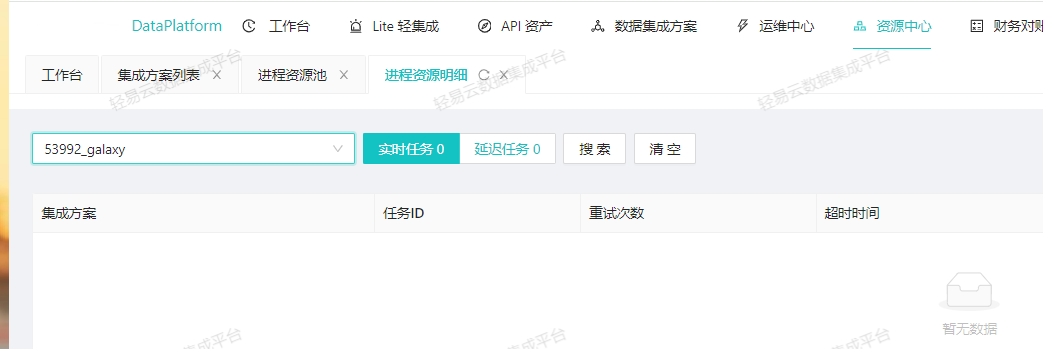
按照上述步骤,你可以有效管理和监控系统中的任务量。
Copyright Notice
The article "资源池明细页面使用指南" is original content owned by 广东轻亿云软件科技有限公司. Reposting, quoting, copying or mirroring is strictly prohibited without written authorization. Please contact us for authorization and credit the author and source (including the original link) prominently.